Product description
aplus content video
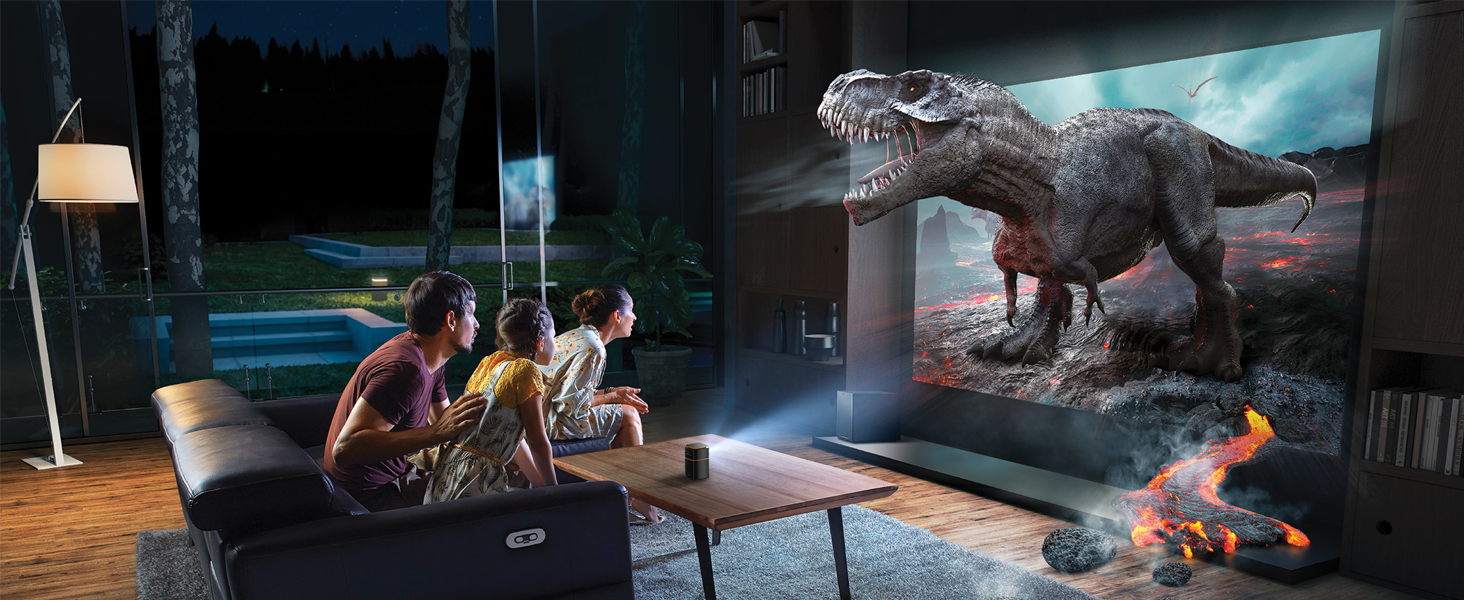

Get your family to pick the theater space and unwind as a family with your favorite movie.

Make the tent feel right at home with you and your lover—snuggling up to your favorite film.


Coke Can Projector
The FATORK Mobile Projector is a DLP projector. It is simple, has few parts, is compact enough to be held in one hand and weighs only 0.86 lb.

360° Stereo Speaker Projector
Built-in speakers provide pristine audio fidelity without the need for externally connected speakers, enhancing the immersion in your movie experience

Adjustable 45° Angle Projector
The configured tripod can be adjusted at 45° to achieve the best view. There is a threaded connector on the bottom of it, centered.

Projector Package List
Video Projector x 1
Remote Control * 1 (Battery not included)
DC Adapter * 1, Tripod * 1, HDMI Cable * 1, User Manual * 1, Quick Start Guide * 1

Lower Noise Projector
The noise reduction technology of the video projector has been upgraded to dissipate heat as fast as 32 dB, allowing you to sleep peacefully.

Portable Camping Projector
Take the epic scale of the cinema with you wherever you go. Enjoy your favorite movies and games up to 114 inches with just this mini-projector.

Halloween Projector Gift
Halloween is coming soon! The FATORK projector is sure to be a top choice for Christmas parties, family gatherings, casual fun, and small meetings.

Wonderful Gift Ideas
Take it home or give it to your family and friends as a Christmas gift / Mother's Day gift / Valentine's Day gift / Thanksgiving Day gift.

Can the projector cast to stream "YouTube, Prime Video, Netflix, Hulu"?
Currently only YouTube streaming is supported. For copyright protection, if you want to project "Prime Video, Netflix, Hulu, etc." on your pico projector, please try using Google "Chromecast" or Amazon "Fire TV Stick".(TV Stick is not included)
Why the projector cannot connect with wifi?
When projecting over a wireless connection, we recommend that the distance between your mobile device and the FATORK video projector is no more than 1 meter.
Why can't I play after WiFi connection?
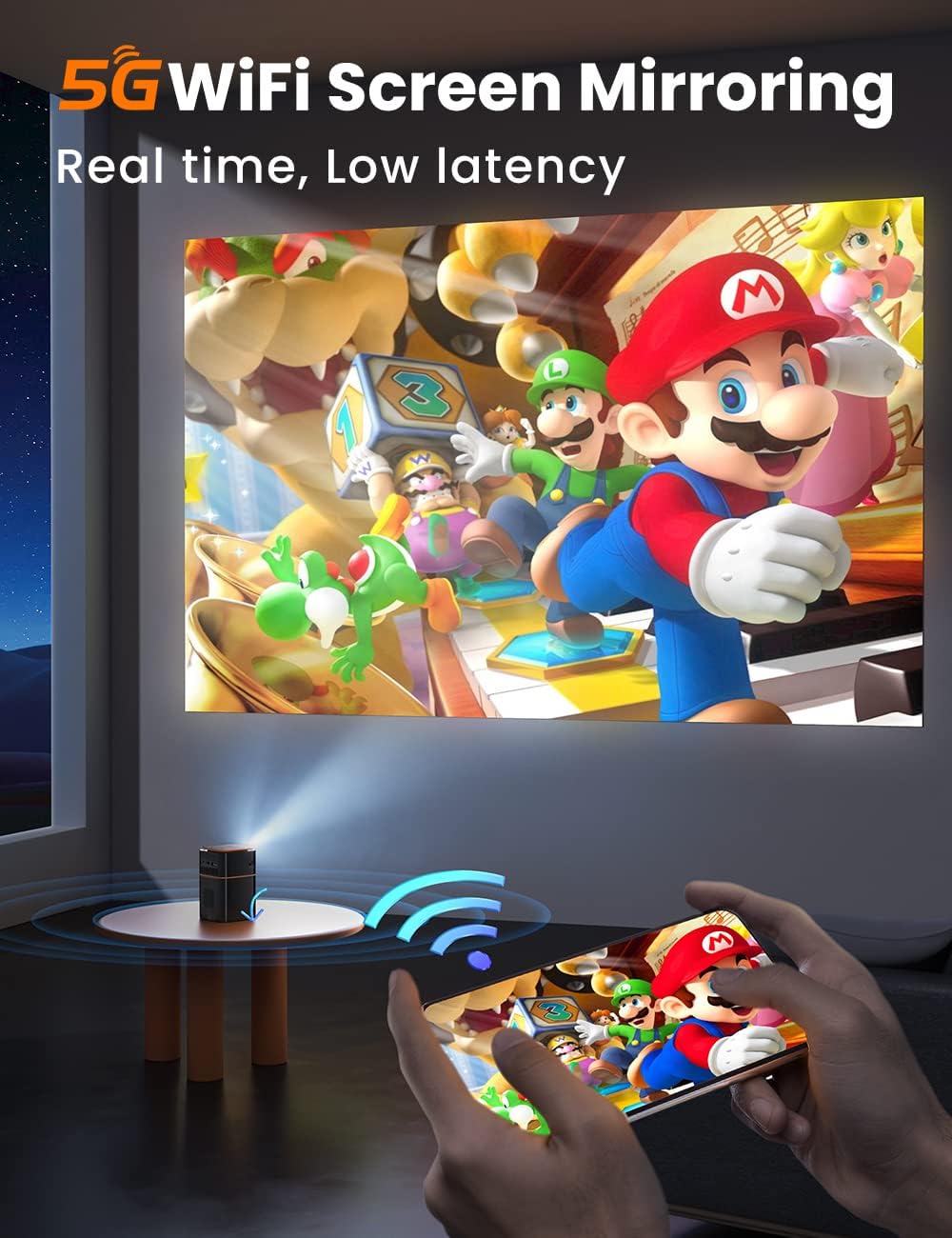
When connecting wirelessly via Wi-Fi, both the mobile device and the mobile projector must keep Wi-Fi on.
When the projector opens the same screen mirror interface, no blue signal screen is displayed, WiFi does not display?
Attempt to power off and restart whether to recover
Why can't I connect to the pairing name when the phone is connected to the projector?
Check whether the mobile phone equipment and the projector are on the same network. Restart the mobile phone equipment, and reset the projector equipment.